SP Photo Station

Product · Print Fulfillment

Two print paths, one composite pipeline.

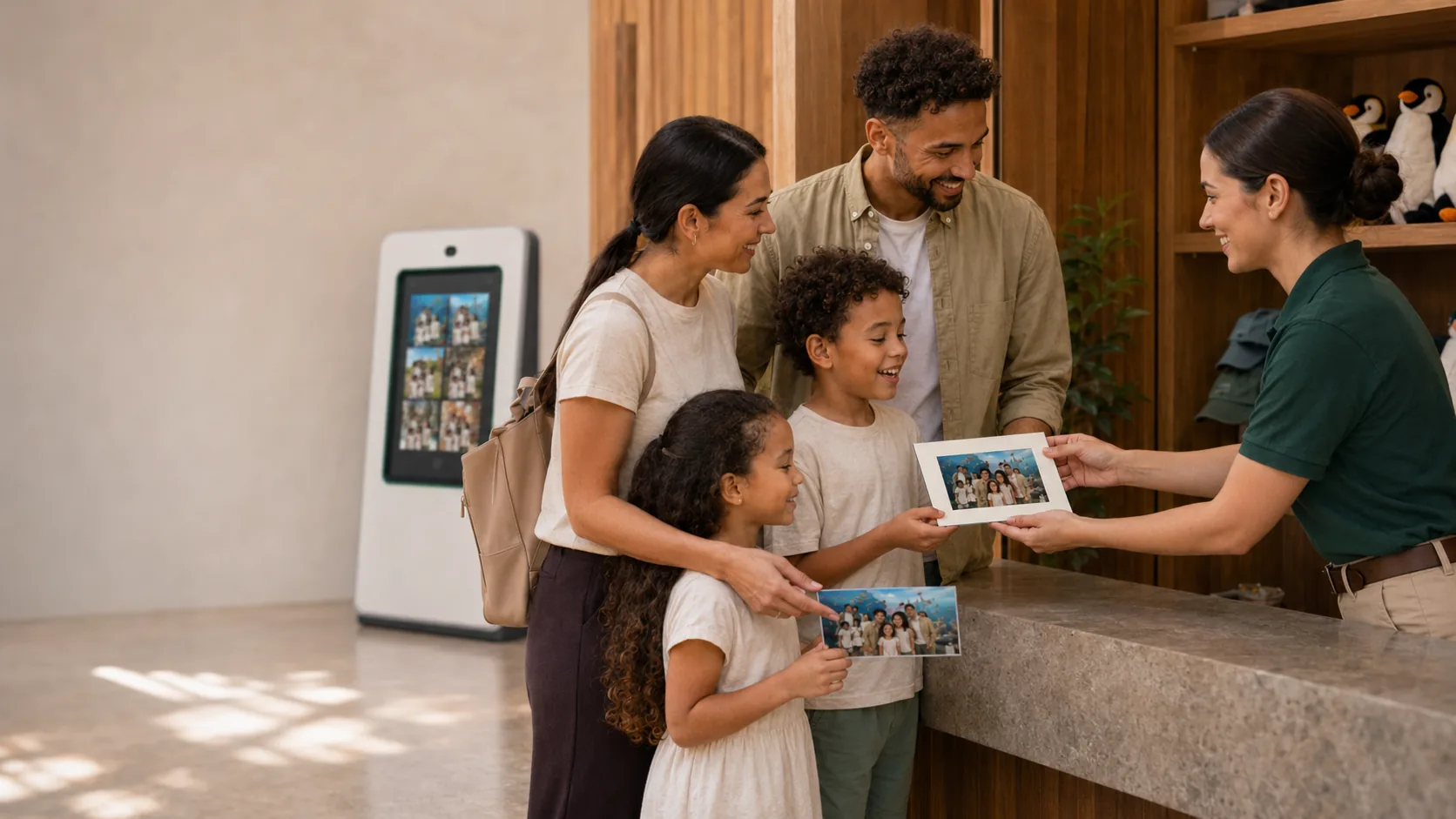
SP Photo Station ships two print paths because operators run two different programs: in-venue prints handed to the customer at checkout (POS path, your printer) and mail-order ship-to-home (mail-order path, our lab partner). Both consume the exact same composite the operator previewed. Same border, same edit, same color. No surprises in the box.

Composite parity

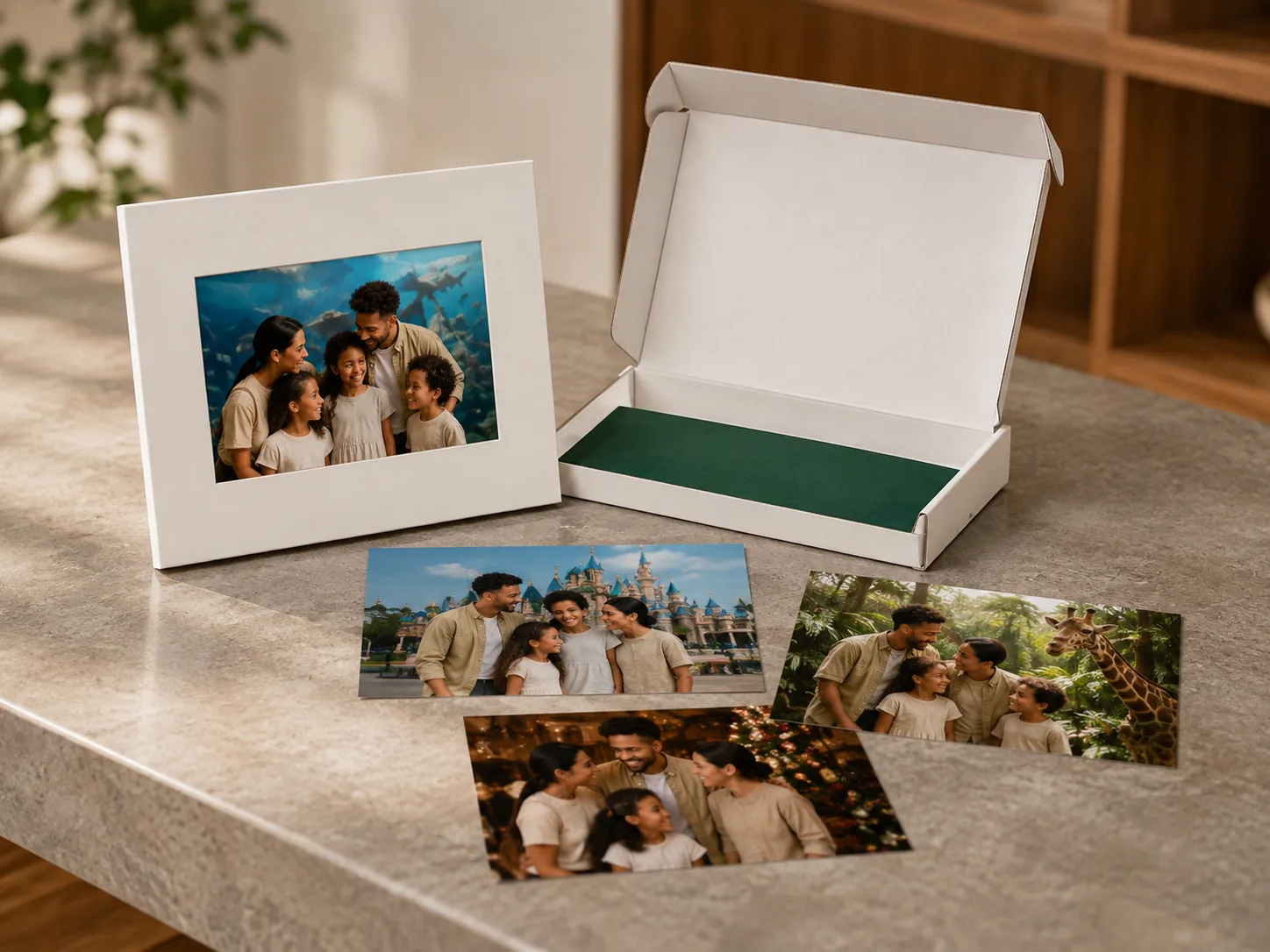
Both print paths consume the same composite. Preview-to-print divergence fails CI on every build. Same border, same chroma key, same AI background.

Desktop print queue

Drag-and-drop ordering in the operator workspace. Preset packages auto-apply: correct copies per format, correct printer, correct paper tray, correct orientation.

Mail-order print lab

Integrated lab fulfillment with deterministic storage keys for re-order caching. Editor handoff, product configuration, ship-status webhooks back into the orders table.

POS-to-print attribution

Every print queue item carries booking ID + visit session + customer phone. No detective work matching a printed photo to its order.

Why two paths.

Most photo programs pick one print model. Mall Santa programs print on-location; portrait studios ship through a lab; theme parks usually do both depending on the product. The conventional answer is: pick the one that's 80% of your volume and ignore the other.

That breaks down the moment your customer asks for the other 20%. Family at the Santa set wants a wall canvas mailed home in addition to the four-print package they're carrying out. Your operator either says “sorry, we don't do that” or pulls out a separate laptop running a separate vendor portal and processes the order on the side.

SP Photo Station treats both paths as first-class. Our print-lab integration runs the lab-fulfillment path for online and mail-order purchases. On-location printing runs through the desktop print queue with preset packages, copies-per-photo, and Windows printer integration. The customer-facing cart shows both options on the same surface; the operator's workflow doesn't fork.
Where it earns its license

Six places print fulfillment earns its license.

Composite parity across both paths

Both print paths consume the same composite output. The lab receives a PROOF-free flattened image; the venue printer receives the same image through the desktop's print queue. The chroma key, the border choice, the AI background — all rendered once, used in both destinations. Preview-to-print divergence fails CI on every build.

Inventory: §B.2 + §B.8

Desktop print queue with drag-and-drop

The operator sees pending prints in the desktop workspace and can re-order, batch, or split by paper size before sending. Preset packages auto-apply (4×6 + 5×7 + 8×10 pack → correct copies per format → correct printer → correct paper tray). Auto-rotation for non-square aspect ratios prevents the 'why is the portrait sideways' refund.

Inventory: §B.8

Lab editor integration with deterministic storage keys

For mail-order, the photo flows to the lab's editor with a deterministic storage key. The editor pulls the composite from our image storage, the customer configures their product (frame style, matte, etc.), and the order flows back to SP Photo Station's order system with the lab's job ID for tracking.

Inventory: §B.8

POS-to-print attribution

Every transaction links to the booking that produced it. When a print queue item lands, the operator sees the customer name, the booking slot, and the POS order it came from. No detective work to match a printed photo to its order.

Inventory: §B.8

Paper inventory tracking

POS inventory tracks paper reams per location with low-stock alerts on the threshold each location sets. Operators get a heads-up two days before they actually run out, not the morning of a Santa Saturday when the line is already forming.

Inventory: §B.8

Discount codes and tax handled correctly per path

On-location POS applies location-specific tax (no shipping). Mail-order applies ship-to-address tax via Stripe Tax (when enabled) or manual rules (default). Discount codes work on either path. Cash drawer integration on the POS path; card-present via Stripe Terminal.

Inventory: §B.8

Under the hood

Technical specs.

Composite render

The on-location print path uses a hardened C# + ImageShape pipeline in the desktop shell. The WebGL preview the operator sees and this print render are independently verifiable: same input → same output. CI runs preview-vs-print diffs on every build.

Lab handoff

Photos posted to the lab go via the editor's OAuth-authenticated API. The storage key is deterministic so re-orders don't recompute the composite. The lab's ship-status flows back via webhook into the orders table for customer-facing shipping emails.

Desktop print queue

Items live in a Windows-native queue surface in apps/desktop (WinForms + WebView2). Operator drag-and-drop reorders; package presets configure copies, paper size, and printer per format. Auto-rotation detects portrait vs landscape from the composite output.

POS-to-print attribution

Each order item carries booking ID + visit session ID + customer phone, denormalized for fast lookup. Print queue rows reference the order item, so the operator sees full context without joins.

Inventory tracking

Paper inventory in pos_inventory per location. Low-stock alerts fire via the notification system at the configured threshold. Receiving and consumption entries keep the count accurate.

Tax handling

Default: manual pos_tax_rules per location with location_ids array for venues sharing rates. Optional: Stripe Tax integration with fallback-on-error to manual rules, preserving the “must always collect tax” invariant.

Common questions

FAQ.

Who fulfills mail-order prints?

A U.S.-based professional photo lab specializing in pro photographer fulfillment. SP Photo Station uses its Editor for product configuration and the standard order API for placement + tracking. The lab handles printing, framing, and shipping; SP Photo Station tracks order state on the operator side. The lab name is shared on request.

Can I use a different lab?

Not currently — one integrated lab today. The integration shape is generic enough that adding a second lab is mechanically straightforward but requires demand justification.

What printers does on-location printing support?

Any Windows-installed printer. Most venues use Mitsubishi or DNP dye-sub printers (CP-D90DW, DS820A) for 4×6 + 5×7 + 8×10 at venue throughput. The desktop print queue selects printers per format / paper size; the printer driver does the rest.

How does mail-order pricing flow to the customer?

The lab's product catalog feeds into SP Photo Station's admin-managed pricing. The operator marks up or matches the lab's list price; the customer sees the operator's configured price. The lab's wholesale cost is invoiced separately to the operator; revenue and cost reconcile in the per-venue profitability report.

Can a customer order both in-venue and mail-order in one cart?

Yes. The cart shows both options per product. A 4×6 package can be “in-venue” (printed at checkout) and an 11×14 canvas can be “mail-order” (shipped from the lab). Two POS line items, one checkout, one receipt.

What happens when the lab has an outage?

The order system queues mail-order orders and circuit-breaker logic backs off when the lab returns 5xx. Orders hold in “pending” state with a customer-visible “processing” status; once the lab recovers, the worker drains the queue. Customer doesn't see an error; operator sees a provider-health indicator in the admin dashboard.

See both print paths live.

We'll walk through a venue checkout (POS path, paper out the door) and a mail-order cart (lab path, ship-to-home) on the same gallery surface, and show the composite parity between them.

Schedule a demo